
MIDI Note Mode for Melodies and Harmonies

講座說明
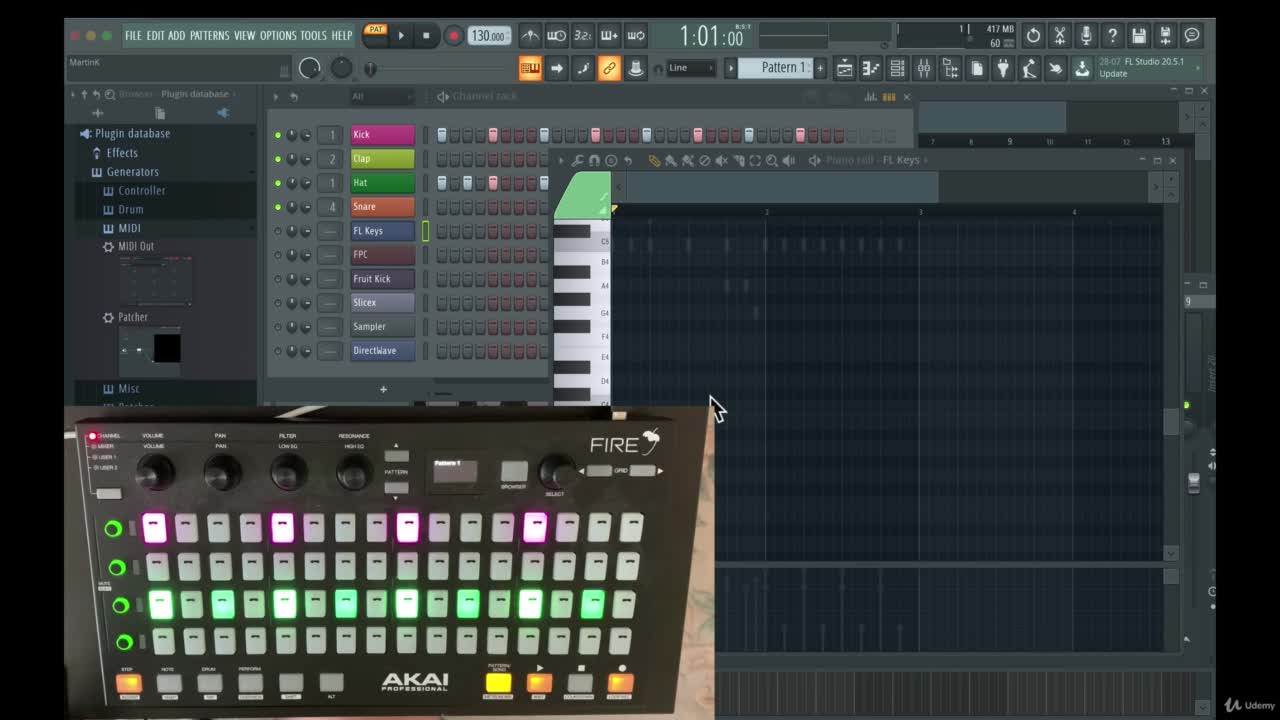
Discover how to create melodies and harmonies using MIDI Note Mode on the Akai Fire Controller in FL Studio.
學習完整課程,瞭解更多知識
FL Studio Akai Fire Controller Course - FL Studio Course
Learn Akai Fire Controller in This FL Studio Course - Creating Beats, Music Sampling + Audio Editing in FL Studio Course
56:13 長的隨選影片 • 更新於 May 2026
Set up and configure the Akai Fire Controller with FL Studio.
Learn to navigate and use the Akai Fire Controller’s interface.
Create beats and loops using the Akai Fire Controller in FL Studio.
Create professional-quality beats using the Akai Fire Controller in FL Studio.
Master the different modes: Step Mode, Drum Mode, and Note Mode.
Record and edit music with the Akai Fire Controller in Slicex and Visualizer Mode.
Learn advanced music sampling and track organization with color coding.
Use the Akai Fire Controller as a MIDI controller and keyboard.
Get hands-on with music production using FL Studio’s bundled version.
Explore FL Studio’s visual features using the Akai Fire as a visualizer.
Improve workflow efficiency with hardware integration and tips.