
Adjustment Layers

Бесплатное видеоруководство от Chad Neuman, Ph.D.
Professor / Graphic Designer / Photographer 20+ yrs exp.
15 курсов
556 427 студента
Описание лекции
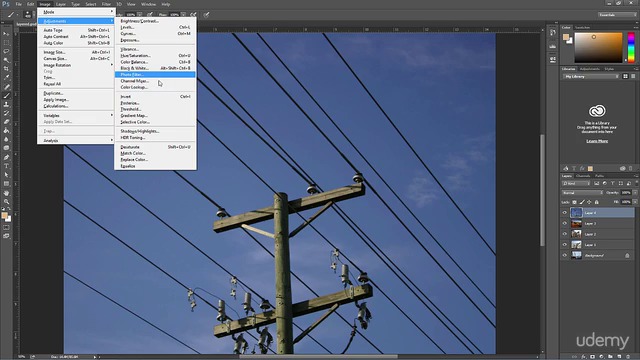
Students learn how to create adjustment layers to add various effects.
Узнайте больше из полной версии курса
Photoshop for Beginners: Zero to Hero in Photoshop
Learn Photoshop quickly and easily with essentials of Adobe Photoshop to produce beautiful images in Adobe Photoshop.
02:58:08 видео по запросу • Обновлено Ноябрь 2025
Customize workspaces and work with panels.
Create new documents with various settings and modes.
Navigate and zoom in and out of documents using a variety of methods.
Switch between screen modes.
Work with multiple documents and arrange them using various methods.
Describe various file types and modes.
Crop and resize images using various settings.
Use Bridge with Photoshop.
Rearrange, group, and adjust settings of layers.
Adjust layer blending modes.
Create and apply a variety of adjustment layers.
Create and apply various layer styles.
Describe the various selection tools and apply them in various ways.
Use the selection tools in conjunction with each other.
Add to and subtract from selections.
Modify and save selections.
Describe how masking is better than erasing.
Mask parts of layers using the brush tool.
Add layer masks using selection tools.
Apply a clipping mask to text.
Create an high dynamic range effect using masking in a landscape photo.
Use layer masking to create selective sharpening in a portrait photo.