
Dividing sections of content using DIVs

Un tutoriel vidéo gratuit de Kathleen Farley
aka Robobunnyattack! + co-founder of Audiohackr
9 cours
20 118 participants
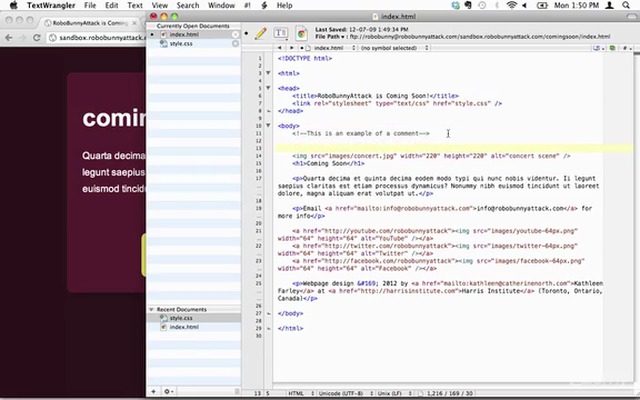
Description de la session
How do you separate different sections of your webpage using HTML and CSS? In this lesson, you'll learn:
- How to divide your webpage layout into different "sections"
- How to format your HTML code with tabs for better legibility
- How to add temporary borders to DIVs to help you understand how your DIVs are positioned on your webpage
By the end of this lesson you'll know how to code:
- The DIV tag (in HTML, to identify sections of content)
- The ID attribute (in HTML, to label content on a webpage)
- The DIV selector (in CSS, to specify styles that apply to DIVs)
- The BORDER-WIDTH, BORDER-STYLE, and BORDER-COLOR attributes (in CSS, to specify how a border looks)
Pour en savoir plus, suivez le cours complet
Step-by-step HTML and CSS for Absolute Beginners
Learn how to code HTML5 + CSS3 to create your own website in this beginner-level course. No coding experience required!
Vidéo à la demande de 03:58:04 • Mise à jour : juillet 2016
In this course, we'll create a simple "Coming Soon" webpage using valid HTML5 and CSS3 code
We'll focus on WHY the code we write looks the way it does –– so you can develop an intuitive understanding of how HTML and CSS work
By the end of this course, you'll be able to use HTML and CSS with confidence, following best practices every step of the way!